400,000+ business leaders (and teams at IBM, AWS & Zapier) start their day with The AI Report. 5 minutes. Plain English. No hype.
The Ultimate Guide to AI Automation in 2026
Everything executives need to know before investing in AI automation, including processes, benefits, costs, and risks.
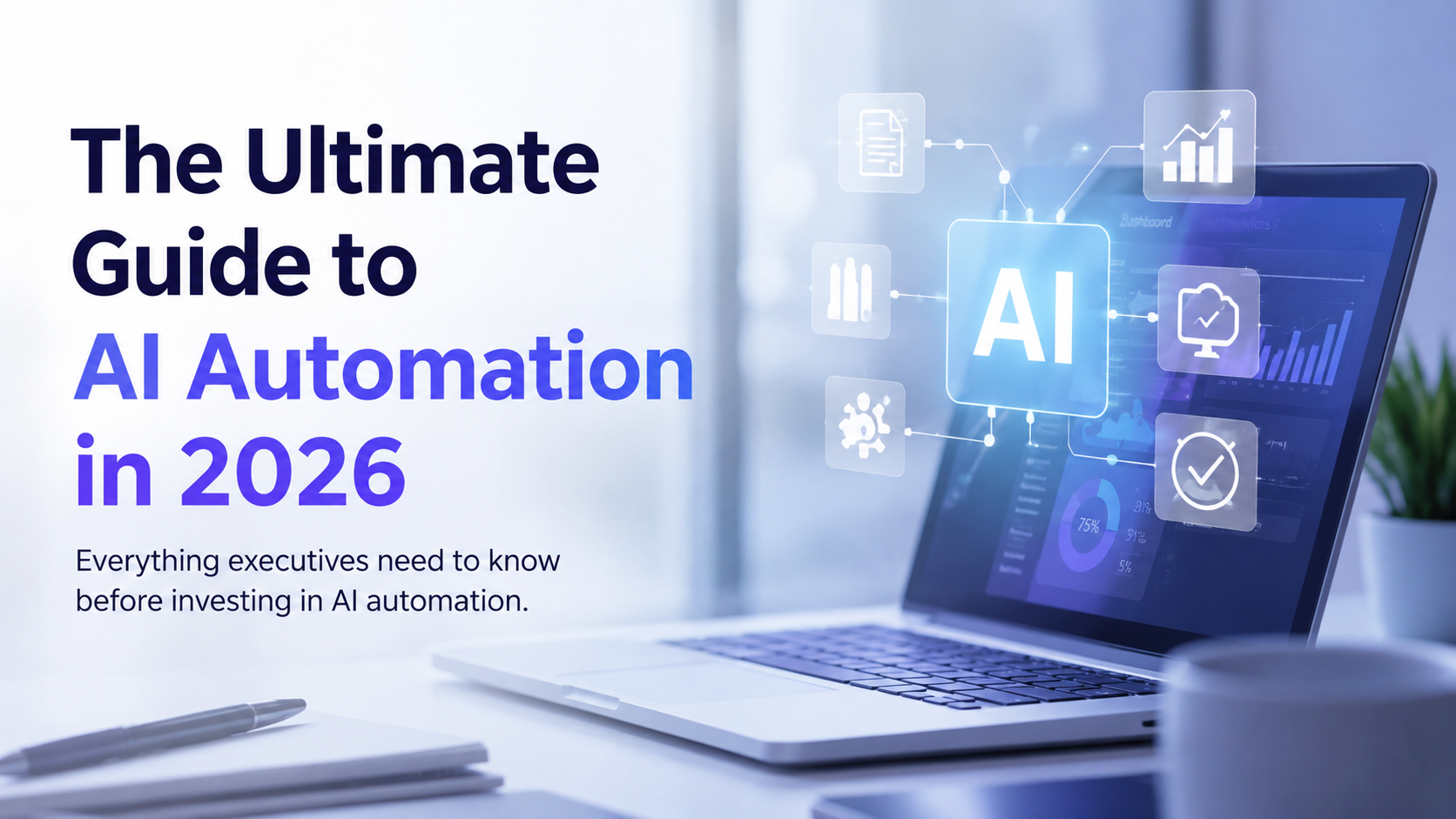

AI automation has moved past the experimental phase. In 2026, it is no longer a question of whether a company should adopt it, but how fast, how far, and at what cost. For executives weighing the decision, the challenge is not finding information. It is finding a clear, honest picture of what AI automation actually does, what it costs, where it fails, and how to get started without wasting a budget cycle on the wrong approach.
This guide is built to be that picture. It covers what AI automation is, the core processes behind it, the real benefits and the real downsides, what it costs to implement, and how to decide if now is the right time for your organization.
What Is AI Automation?
AI automation is the use of artificial intelligence, often combined with traditional software automation, to carry out business tasks and workflows with little or no human intervention. It differs from older "robotic process automation" (RPA) in one key way: traditional automation follows rigid, pre-programmed rules, while AI automation can interpret unstructured information, make judgment calls within set boundaries, and adapt to variation in the input it receives.
In practice, this spans a wide range of capability levels:
- Simple task automation. A single, well-defined task handled by AI, like summarizing a document or drafting a first-pass email reply.
- Human-in-the-loop (HITL) workflows. AI handles the bulk of a process, but a person reviews and approves before anything is finalized. This is the most common model for businesses just starting out, because it keeps a human checkpoint on accuracy and judgment.
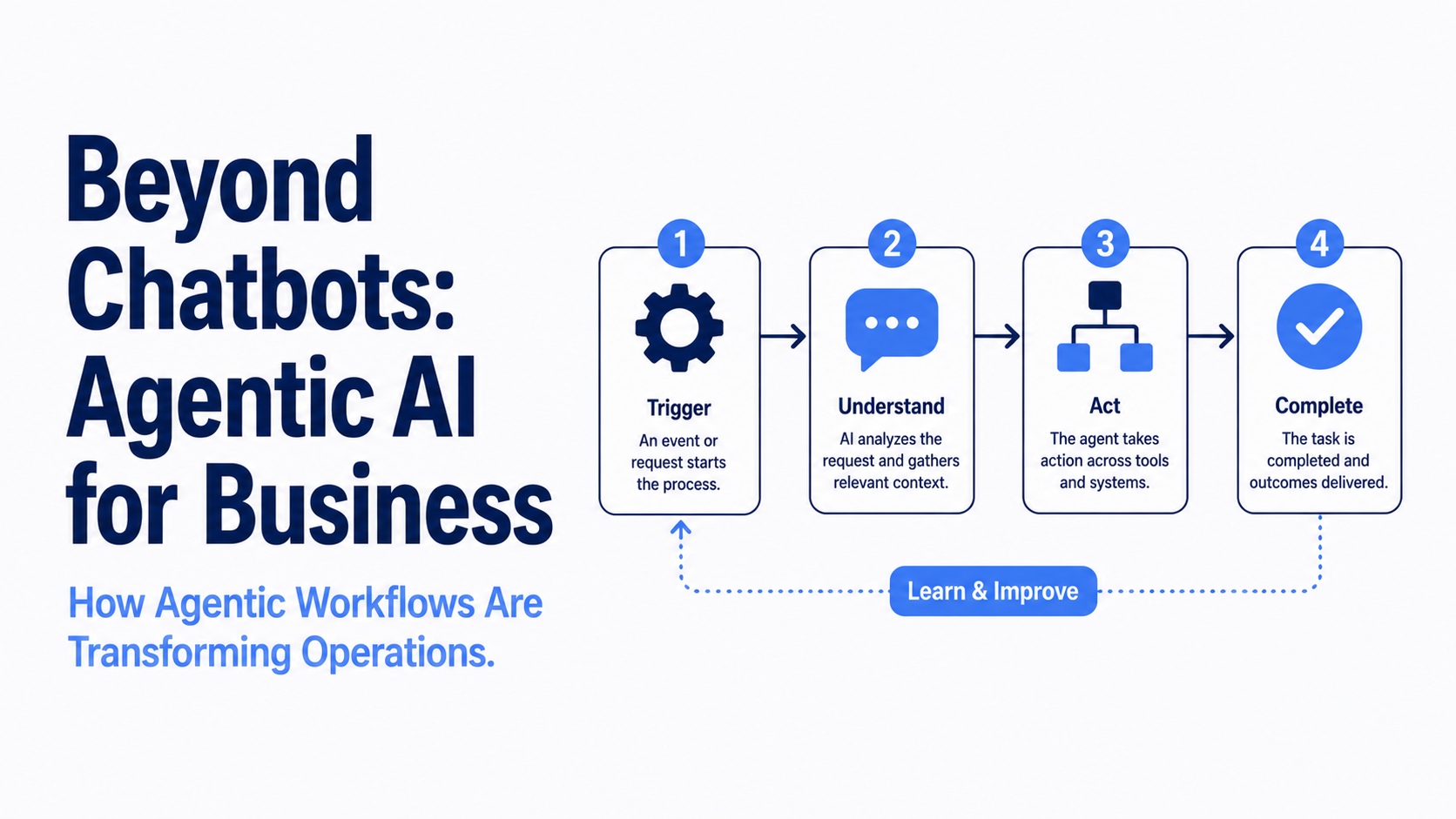
- Agentic workflows. AI systems that complete entire multi-step processes on their own, from start to finish, only flagging exceptions or edge cases for human review.
Most companies do not jump straight to fully agentic workflows. They start with HITL, build trust in the system's output, and expand autonomy over time.
How Enterprise AI Automation Actually Works
Here is something most AI automation guides will not tell you: at the enterprise level, completing a single workflow can involve up to eight or nine AI models working together simultaneously.
In a recent episode of The AI Why podcast, Swati Trehan, co-founder and COO of enterprise AI company Ema, explained how this works in practice. Her platform's proprietary system fuses the outputs of multiple models together, then uses an additional model to evaluate the result, a technique known as LLM-as-judge. The goal is not simply to choose the most capable model for a task. It is to simultaneously optimize for accuracy, cost, and the right response time.
That last point matters more than it might seem. A document that can take two minutes to generate has very different requirements than a voice agent that needs to respond in real time. That distinction, she noted, is one of the clearest gaps between consumer AI products and enterprise-grade AI automation, and it is one most organizations do not think about until they are already mid-implementation.
Watch the full conversation with Swati Trehan on The AI Why podcast.
Where AI Automation Is Already Being Used
AI automation is not confined to one department. Some of the most common applications right now include:
- Operations. Streamlining repetitive workflows, routing tasks, and reducing the manual handoffs that slow teams down.
- Human resources. Speeding up resume screening, interview scheduling, and onboarding paperwork.
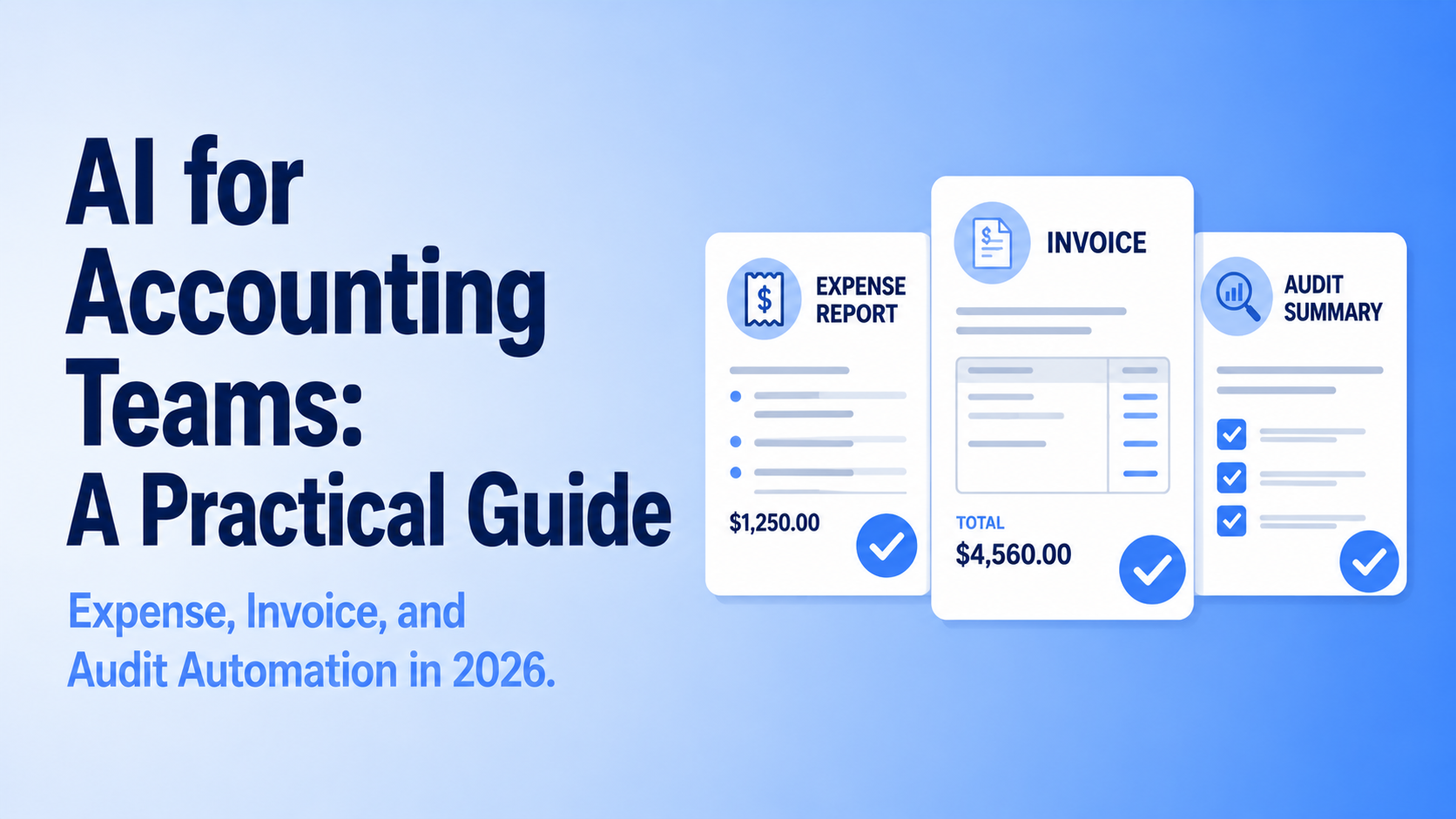
- Accounting and finance. Automating expense processing, invoice matching, and parts of the audit trail.
- Sales. Running outbound prospecting and initial outreach sequences before a human sales rep steps in.
- Customer support. Handling tier-one inquiries and routing complex cases to the right person.
The common thread across all of these is volume and repetition. AI automation delivers the most value where a task is done often, follows a recognizable pattern, and currently consumes hours of skilled employee time on work that does not require deep judgment every single time.
The Benefits of AI Automation
Speed. Tasks that took a person hours can often be completed in minutes. This is the most immediate and visible benefit, and usually the one that gets a project approved.
Cost reduction. Once a workflow is automated, the marginal cost of running it again is close to zero. Over time, this can meaningfully reduce labor spend on repetitive work, freeing up budget and headcount for higher-value tasks.
Consistency. Automated processes do not have an off day. They apply the same logic and the same standard every time, which reduces the kind of variability that causes errors in manual work.
Scalability. An automated workflow can handle a sudden spike in volume without needing to hire and train new staff on short notice.
Freed-up talent. When AI takes over repetitive, low-judgment tasks, skilled employees get more time for the work that actually requires their expertise: strategy, relationship-building, and problem-solving.
Want these benefits without trial and error? Talk to Upscaile about training your team.
The Costs and Risks (the Part Most Guides Skip)
No serious guide to AI automation should gloss over the downsides. Executives evaluating this decision deserve the full picture.
Implementation cost. Beyond any software subscription, there is often a real cost in data preparation, system integration, and custom configuration. A tool that looks affordable on a pricing page can carry a much larger total cost once integration work is factored in.
Change management. Technology is rarely the hardest part. Getting employees to trust, adopt, and properly use a new automated workflow is often the bigger obstacle, and it requires real planning, not an email announcement.
Accuracy and hallucination risk. AI systems, especially those built on large language models, can produce confident-sounding output that is simply wrong. For workflows with legal, financial, or compliance exposure, this risk has to be designed around, not ignored.
Security and data exposure. Feeding sensitive company data into the wrong tool, or into a consumer-grade AI product rather than a secure enterprise deployment, can create real liability. This is a frequent area where companies move faster than their data governance can keep up with.
Over-automation. Not every process should be automated. Tasks that require nuanced human judgment, sensitive client relationships, or constant adaptation to ambiguous situations are often a poor fit, at least for now.
The companies that get the most value from AI automation are the ones that go in with eyes open on both sides of this ledger, not just the upside.
What Does AI Automation Cost?
Cost varies enormously depending on scope, but a few general patterns hold:
- Off-the-shelf tools (project management AI features, AI-powered customer service add-ons, etc.) tend to be the cheapest entry point, often bundled into existing software subscriptions.
- Mid-tier implementations, where a vendor configures and connects AI automation to your existing software stack, typically involve both a software cost and a services or integration fee.
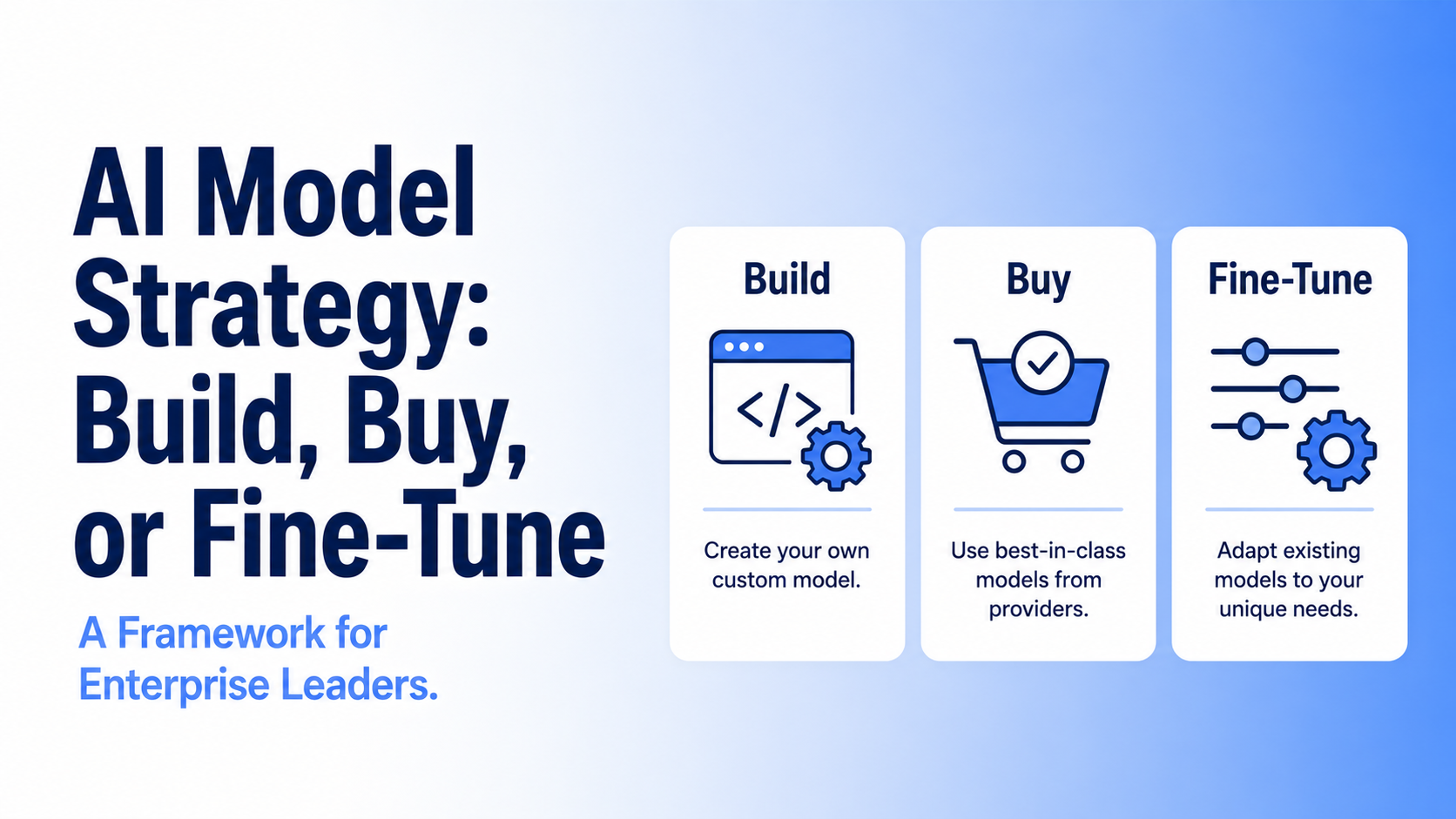
- Custom-built automation, including fine-tuned models or fully bespoke agentic workflows, carries the highest upfront cost but can deliver the most tailored results for complex, high-volume processes.
The right starting point for most mid-market companies is not the most ambitious option. It is the smallest project that proves real ROI, builds internal confidence, and creates a template for expansion.
How to Decide If Your Company Is Ready
Before investing, it is worth running through a short checklist:
- Is the target process high-volume and repetitive? If a task happens rarely, automation may not be worth the setup cost.
- Is the process well-documented? AI automation works best when there is a clear, describable process to model. Ambiguous or undocumented workflows are harder and riskier to automate well.
- Do you have a way to measure success? Know the baseline (time spent, error rate, cost) before you start, so you can prove the return afterward.
- Is there an owner for change management? Someone needs to be responsible for training, communication, and adoption, not just the technical rollout.
- Have you accounted for data privacy and security requirements? Especially in regulated industries, this needs to be addressed before implementation, not after.
If the answer to most of these is yes, the project is likely to succeed. If several answers are no, that is not necessarily a reason to stop, but it is a sign to address those gaps first.
Getting Started
AI automation is not an all-or-nothing decision. The companies seeing the best results in 2026 are the ones treating it as an ongoing capability to build, not a single project to complete.
Pick one process and go deep on it first. The instinct is often to map out every possible automation opportunity across the business before doing anything. Resist that. Choose the one process that is the highest volume, best documented, and most painful right now, and build a working solution around that first. A single successful pilot does more to build internal confidence than a 50-slide roadmap.
Get the right people in the room early. The decision to automate a workflow touches more than one team. IT or engineering will need to assess integration requirements. Legal or compliance will need to weigh in on data handling. The people who actually do the work every day will have the most accurate picture of where the friction really is. Bringing those voices in before implementation, not after, prevents the most common and costly mistakes.
Define what success looks like before you start. Before the first tool is configured, document the baseline: how long does this process currently take, how often does it run, and where do errors typically happen. Without that starting point, you cannot prove the return, and without proof, it is difficult to justify the next phase of investment.
Plan for the human side as much as the technical side. Technology is usually the easier half. Employees who feel threatened by automation, or who were not included in the decision, will find ways to work around it. Building a clear communication plan, explaining why this is happening and what it means for their roles, is not optional.
Expect iteration. The first version of an automated workflow will not be perfect. Build in a review period, keep a human in the loop while you calibrate, and treat early feedback as data rather than failure.
The executives who get this right are not necessarily the ones with the biggest budgets. They are the ones who start with clarity, move deliberately, and build from a foundation that actually works.
Ready to Move From Plan to Practice?
Reading about AI automation is the easy part. Building it well, with the right process, the right tools, and a team that actually knows how to use them, is where most companies get stuck.
Upscaile runs hands-on AI training for operations and leadership teams, built around real workflows instead of generic theory. If you are mapping out where to start, or trying to get your team up to speed before you scale automation further, a short call is the fastest way to see what that could look like for your organization.
Talk to our team about AI training
Related Reading
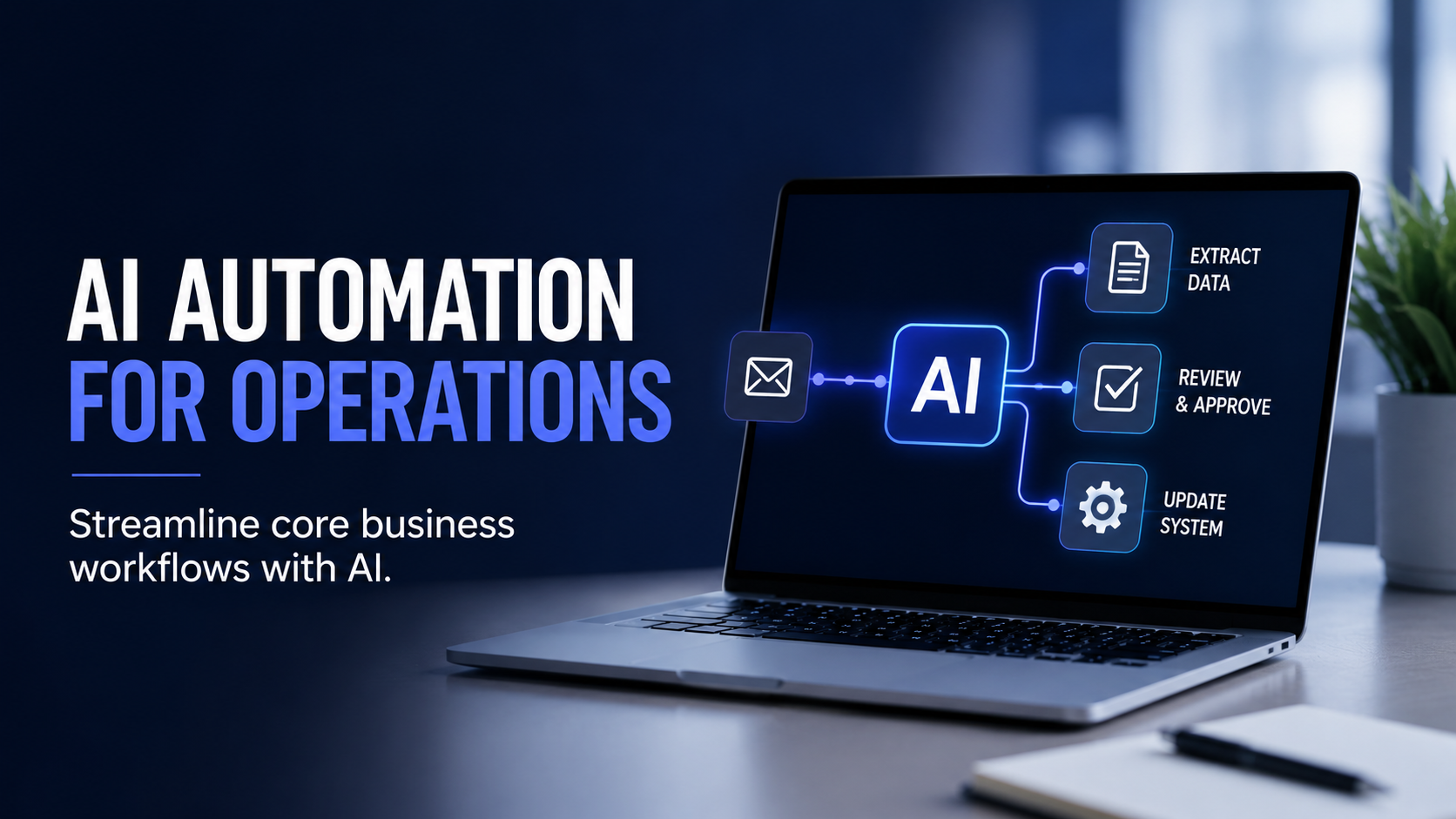
AI Automation for Operations: How to Streamline Core Business Workflows
Learn how operations teams are using AI workflows across finance, HR, IT, customer support, and sales.
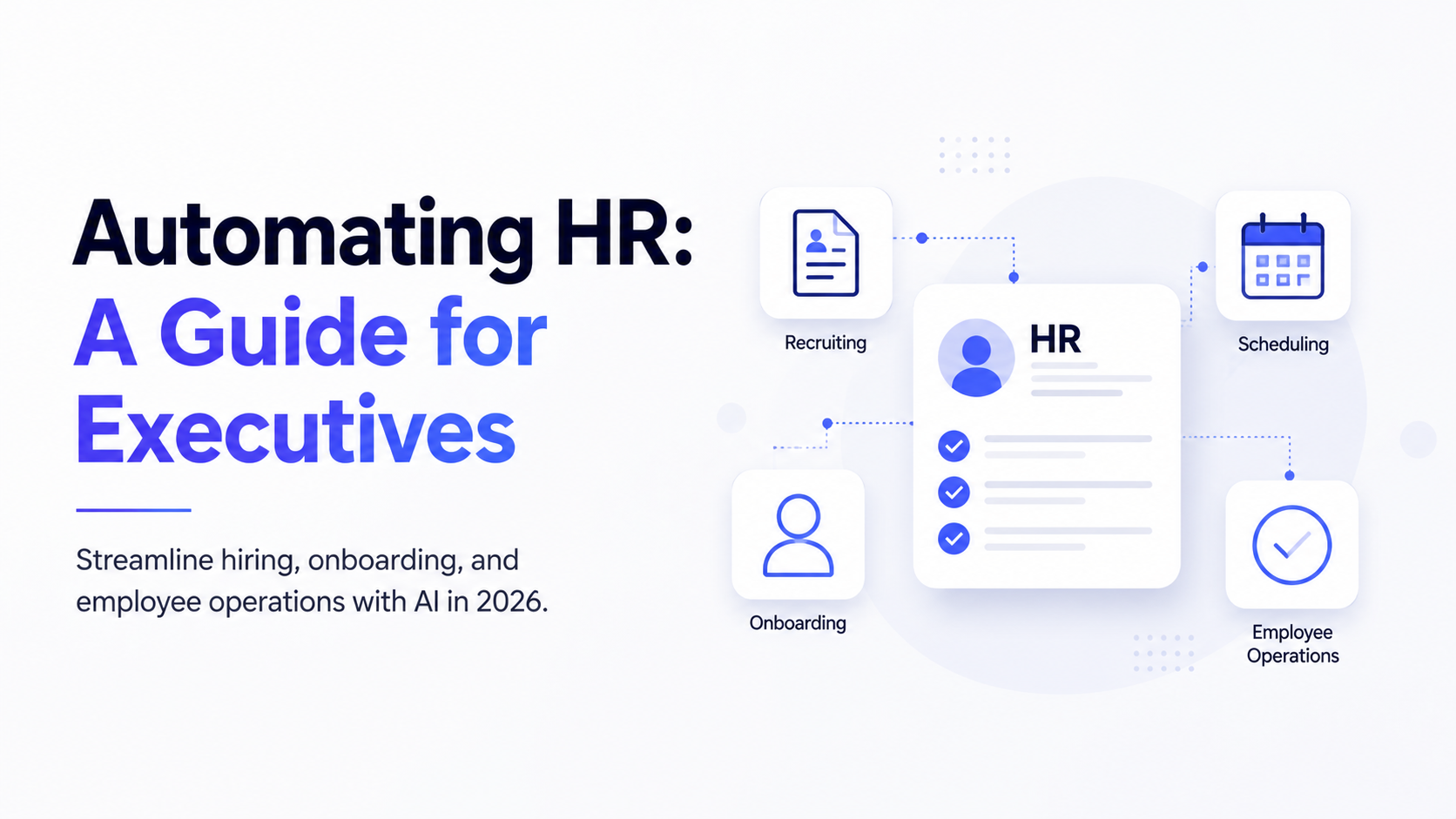
Automating HR: A Guide for Executives
Discover how AI can streamline recruiting, onboarding, employee support, and other HR workflows while keeping humans in control.
AI for Accounting Teams: A Practical Guide
How finance teams are using AI to speed up expense processing, invoice management, and financial audits, and which tasks are the best places to start.




.png)
.png)
.png)
.png)
.png)
.png)
.png)
.png)
.png)
.png)
.png)
.png)
.png)
.png)
.png)
.png)
.png)