400,000+ business leaders (and teams at IBM, AWS & Zapier) start their day with The AI Report. 5 minutes. Plain English. No hype.
How to Streamline Core Business Workflows
A practical guide to using AI workflows to speed up core business operations without losing oversight.
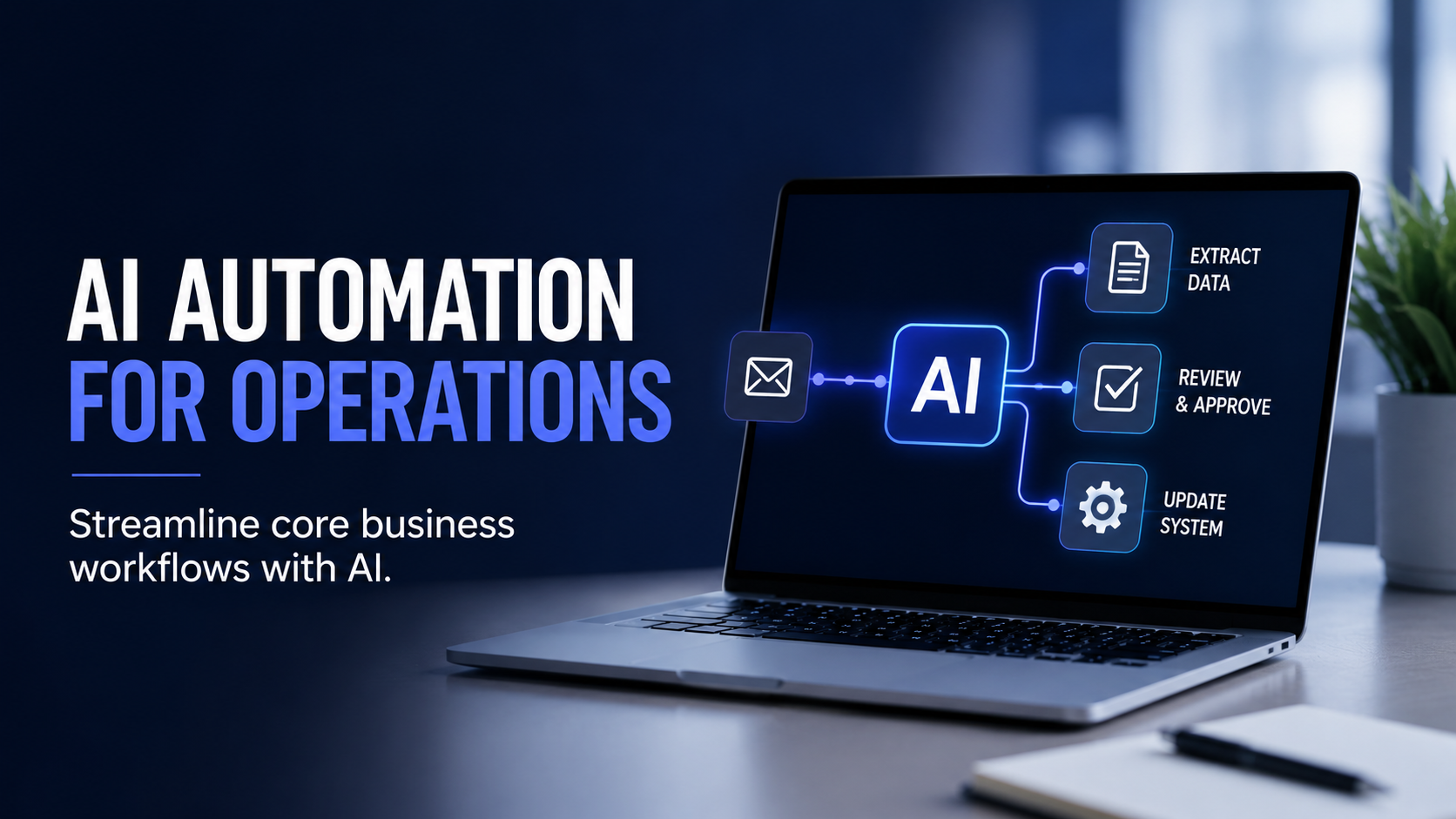

Operations teams have no shortage of work. A large portion of that work is manual handoffs, repetitive data entry, approval chains that can stall for days, and status updates that eat time nobody has. These are not complex problems. They are high-volume, predictable tasks that happen to require a human to move them from one step to the next.
That is exactly the gap AI workflows were built to close.
This guide covers what AI workflows are, how the two main models work, and where operations teams are seeing the clearest results right now.
What Is an AI Workflow?
You may already have a working definition of this. An AI workflow is a sequence of tasks handled by artificial intelligence across one or more systems, with little or no manual handoff required between steps.
What most people underestimate is the flexibility. Older automation tools break the moment something arrives in an unexpected format. AI workflows can read documents and emails, handle messy or inconsistent inputs, and make reasonable judgment calls within set boundaries. That distinction is small on paper and significant in practice, because real operations environments are rarely clean.
The Two Models: HITL and Agentic Workflows
Most operational AI workflows fall into one of two categories.
Human-in-the-loop (HITL) workflows keep a person involved at key decision points. The AI handles the time-consuming parts, a human reviews the output and approves before anything is finalized. This is the most common starting point, and for good reason. It reduces risk, builds trust in the system gradually, and keeps accountability where it belongs.
A practical example: an AI workflow processes incoming vendor invoices, matches them against purchase orders, flags anything that does not line up, and hands a tidy summary to a finance team member to approve. The AI does the heavy lifting. The human makes the final call. The result is a faster, more consistent process without removing the oversight that a finance team requires.
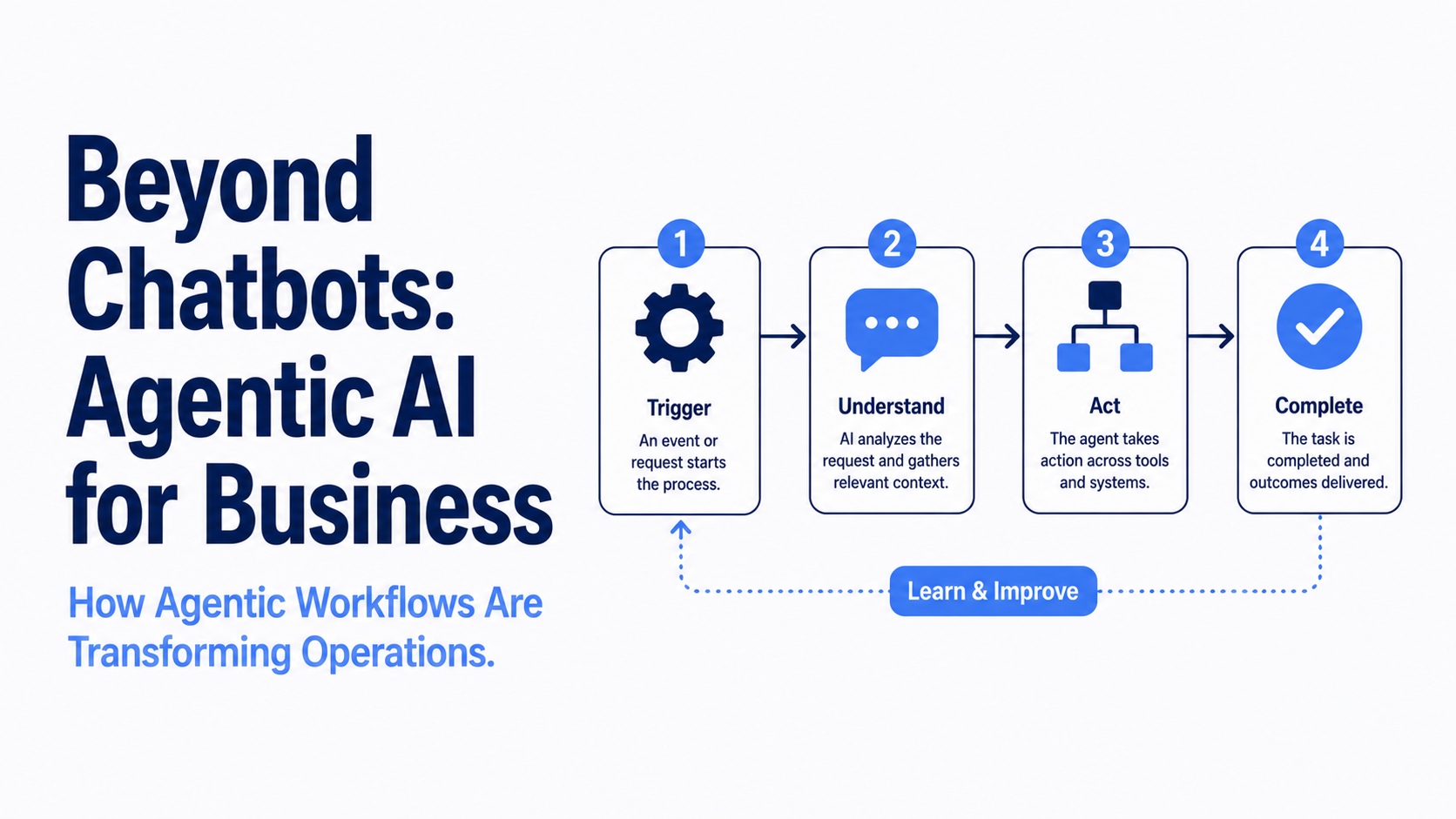
Agentic workflows go further. These systems complete multi-step processes from start to finish on their own, only flagging a human when something falls outside what they can handle. Think of a customer support workflow that receives a ticket, pulls up the customer's history, drafts a reply, checks it against company guidelines, sends it, and logs everything, without anyone touching it. The time savings are significant, but so is the setup and testing required before you can confidently step back.
Most teams reach agentic workflows by starting with HITL and expanding from there as the system earns trust.
Where AI Workflows Are Making the Clearest Difference
Customer support. Straightforward, repetitive questions are a natural fit. The AI handles the easy ones, routes the complicated ones to the right person, and makes sure nothing slips through. Response times go down and support staff can focus on the conversations that actually need them.
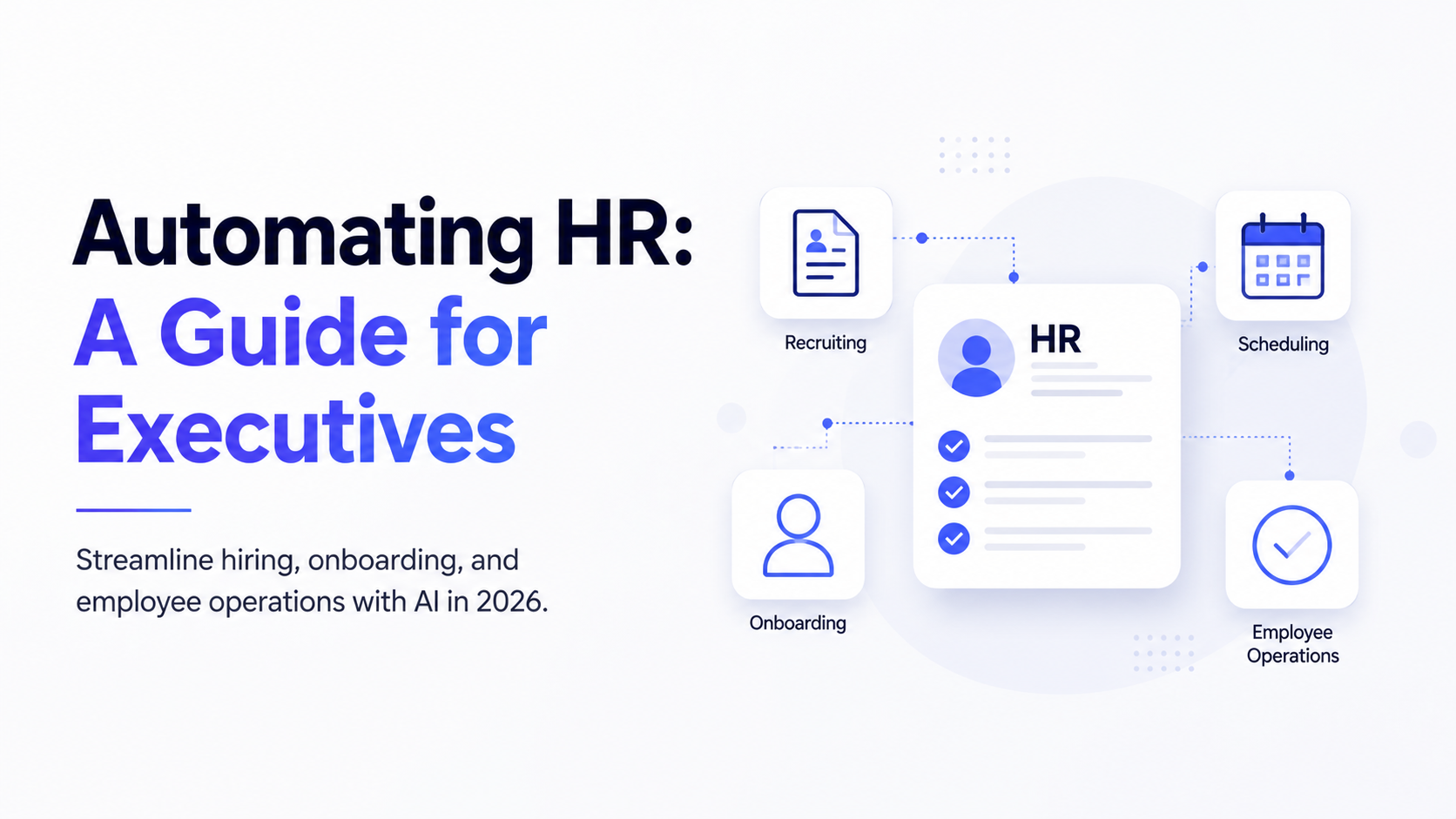
HR. Onboarding paperwork, interview scheduling, policy questions, and leave requests take up a surprising amount of HR time for how routine they are. AI workflows handle the back-and-forth so HR teams can focus on the work that requires real judgment.
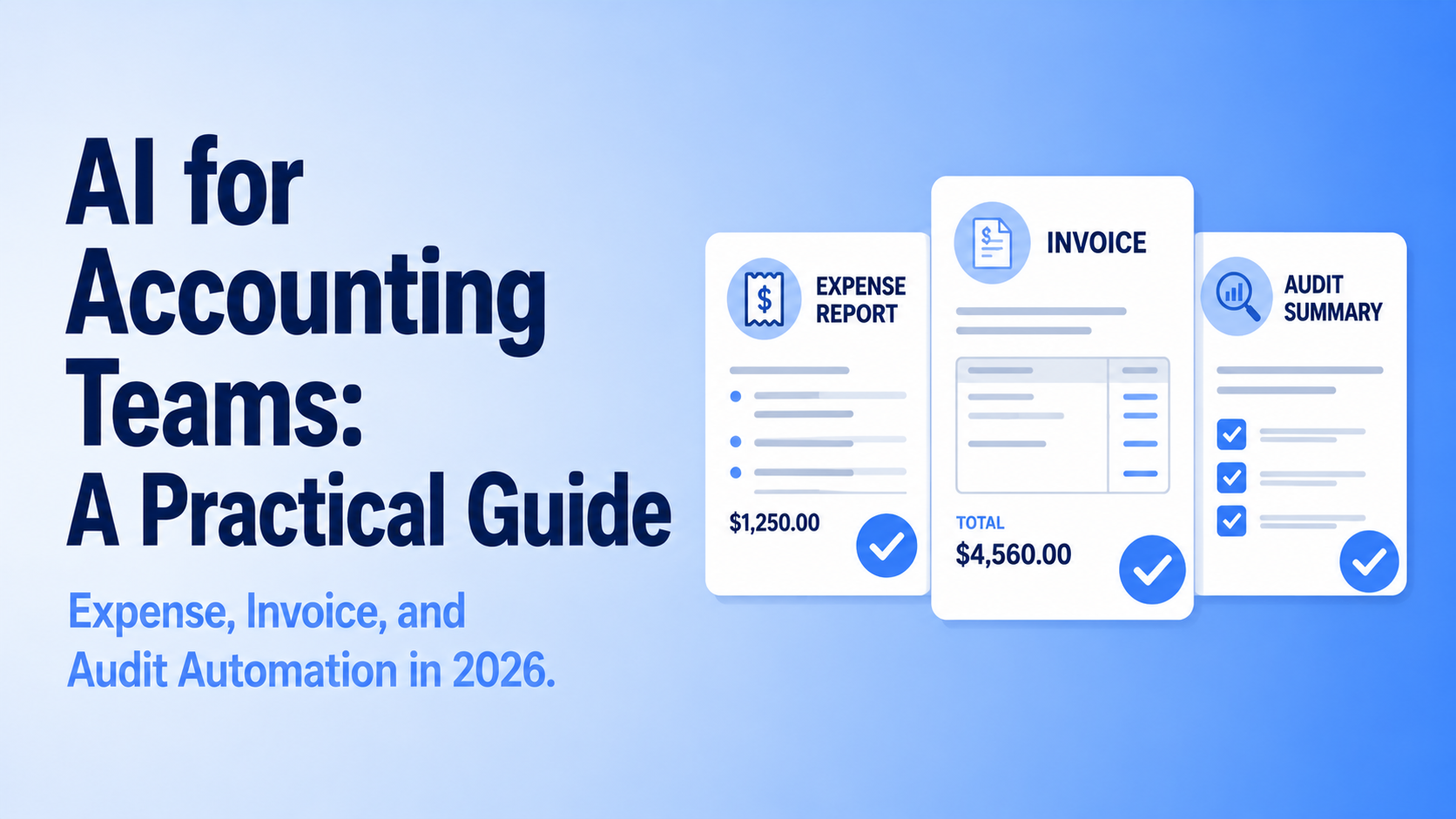
Finance and accounting. Invoice processing, expense categorization, and account reconciliation are repetitive enough to automate well, and high-stakes enough that supervised workflows tend to be the right starting point.
IT support. Password resets, access requests, and system status questions make up a large share of IT tickets and almost none of the interesting work. Automated workflows handle these reliably, freeing up IT staff for the problems that actually need them.
Sales. AI workflows are handling early-stage outreach, sorting through inbound leads, and passing the most promising ones to a sales rep, before a person ever has to get involved.
One of the first things Upscaile works through with teams in their AI training program is identifying which of these areas offers the clearest and fastest win for that specific organization, because starting in the right place matters more than starting fast.
Real-World Example: How a Legal Tech Company Cut Manual Work by 80%
In a recent episode of my podcast, The AI Why, Yasmeen Ahmad, Managing Director of Product Management for Data and AI Cloud at Google Cloud, shared a case that illustrates exactly how this plays out in practice.
A legal tech company called Inspira was relying on humans to read through large volumes of contracts and legal documents line by line. The work was not complex in terms of judgment, it was just slow, expensive, and time-consuming at scale. By applying AI to automate the document analysis, the team was able to cut manual workflow time by 80%. The AI processes the volume, pinpoints the relevant information, and the human still reviews, but at a fraction of the time it used to take.
That is a textbook HITL workflow where the judgment stays human, and the heavy lifting does not.
Watch the full conversation with Yasmeen Ahmad on The AI Why podcast.
How to Find the Right Workflow to Start With
The most common mistake is trying to automate too many things at once. One working solution beats five half-built ones every time.
Start by asking three questions.
- Is this process happening often enough to be worth automating? A workflow that runs hundreds of times a week is a strong candidate. One that comes up occasionally probably is not.
- Is the process documented clearly enough for AI to follow it? Vague or inconsistently followed processes are harder to automate reliably, and writing things down properly is often the most valuable step before any tool enters the picture.
- Where does a person's judgment actually change the outcome? Those are the moments to keep human oversight. Everything else is fair game.
Yasmeen Ahmad put it simply in that same conversation: find the moments in your business where something is super manual, or where the barrier to getting it done is just too high. That is where AI workflows deliver the fastest and clearest return.
The goal is not to build the most impressive setup on day one. It is to build something that works, show the results, and grow from there.
This article is part of our AI Automation series. For a broader look at AI automation across your business, see our Ultimate Guide to AI Automation in 2026.
Ready to put AI workflows into practice? Talk to Upscaile about hands-on AI training for your team.




.png)
.png)
.png)
.png)
.png)
.png)
.png)
.png)
.png)
.png)
.png)
.png)
.png)
.png)
.png)
.png)
.png)