400,000+ business leaders (and teams at IBM, AWS & Zapier) start their day with The AI Report. 5 minutes. Plain English. No hype.
AI for Accounting Teams: A Practical Guide
How finance teams are using AI to automate expense processing, invoice management, and financial audits. A practical 2026 guide with current statistics.
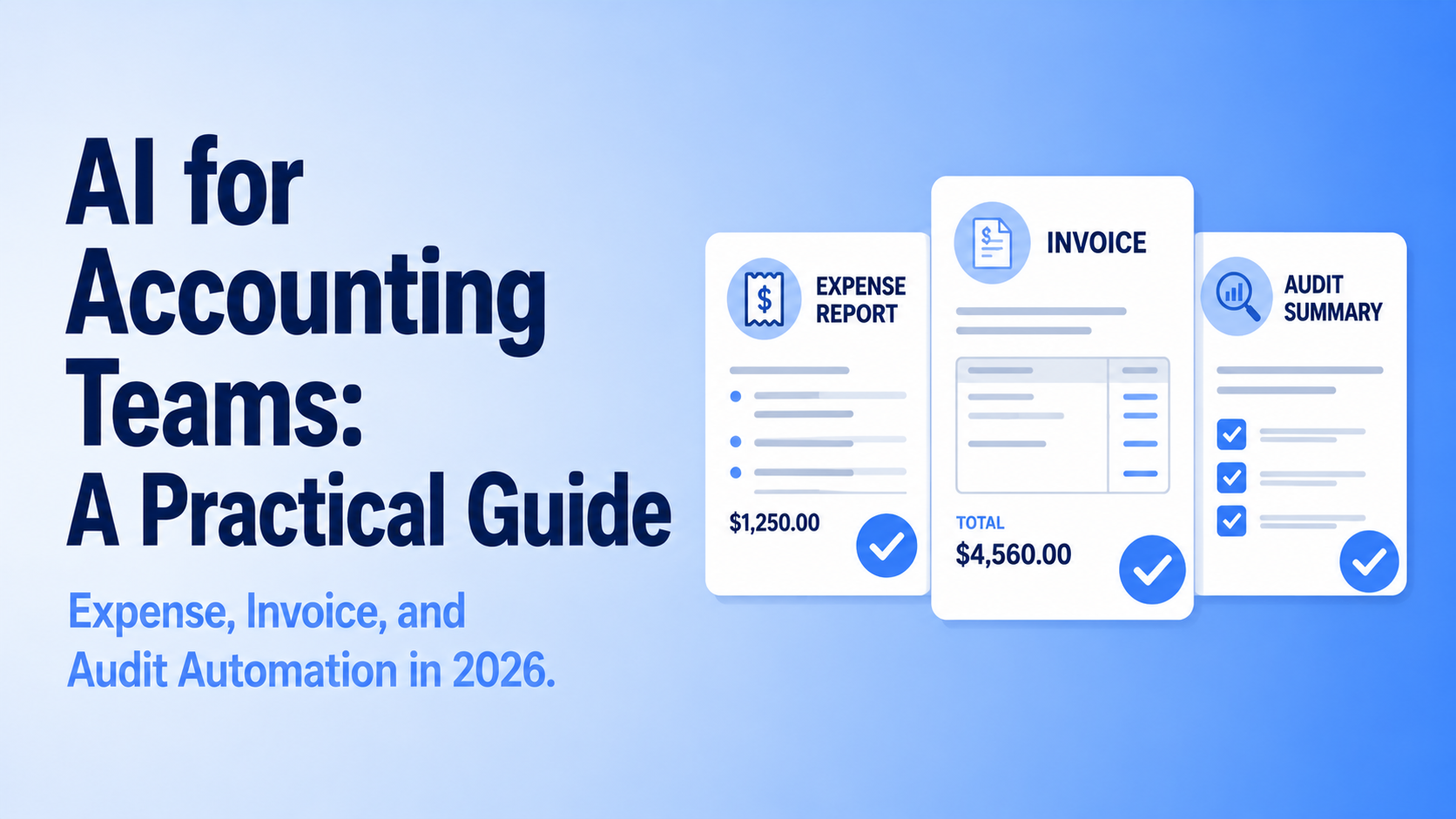

Accounting teams are under more pressure than they have been in decades. The US accounting profession has lost more than 340,000 workers since 2019, according to Bloomberg, and the AICPA estimates that 75% of currently licensed CPAs are within 15 years of retirement age. The talent pipeline is not keeping up. At the same time, the volume of financial data that teams are expected to process, reconcile, and report on has only grown.
AI is not solving the talent shortage, but it is doing something meaningful: taking the most repetitive, time-consuming parts of accounting work off the plates of the people who remain. This guide covers where AI is making the clearest difference in accounting and finance operations, and how teams can start deploying it.
The State of AI in Accounting Right Now
Adoption is growing but uneven. According to Intuit QuickBooks research published in 2025, 46% of accountants now use AI tools daily, up from 18% in 2023. But KPMG's 2026 research found that while more than three-quarters of surveyed organizations were using AI in financial reporting, planning, and commercial analysis, 71% said it was meeting or exceeding their return expectations, the remaining quarter are still struggling to make it work.
One reason for that gap: data quality. AI accounting tools train on historical financial data. If your chart of accounts is inconsistent, if invoices have been coded differently across years, or if there are gaps in your master data, the AI output will be unreliable. The most common failure in accounting AI implementations is not choosing the wrong tool. It is deploying a tool before the underlying data is clean enough to support it.
Expense Processing
Expense management is one of the highest-volume, most manual tasks in any finance team. Employees submit receipts, someone categorizes them, someone else checks them against policy, approvals move through email chains, and eventually everything gets reconciled at month end. Each step is repetitive, error-prone, and slow.
AI handles the mechanical layer of this process automatically. Modern expense tools can scan and extract receipt data, match expenses to categories and cost centers, flag submissions that violate policy before they reach an approver, and route everything through approval workflows without manual handoffs. The human role shifts from doing the processing to reviewing exceptions and handling anything that falls outside normal parameters.
The practical starting point for most teams is deploying AI expense categorization on top of an existing tool rather than replacing the whole system. Most major expense platforms including Ramp, Brex, and Concur have AI features built in that can be activated without a full implementation project.
Invoice Processing and Accounts Payable
Invoice processing is where some of the most significant time savings are available, and also where adoption has lagged the most. According to IFOL's 2025 research, 66% of accounts payable teams still manually key invoice data into their ERP or accounting systems. That is a striking figure given how mature invoice automation technology is.
AI invoice processing handles the full intake flow: extracting data from invoices regardless of format, matching invoices to purchase orders, flagging discrepancies, and routing exceptions to the right person for resolution. QuickBooks launched agentic AI capabilities in 2025 that can create and send invoices automatically, track and reconcile transactions, and follow up on outstanding payments without staff involvement.
For teams running high invoice volumes, the ROI calculation is straightforward. Manual invoice processing typically costs between $12 and $30 per invoice once staff time is accounted for. Automated processing brings that cost down significantly while reducing the error rate. The exception handling and vendor relationship management work that remains is where finance professionals add the most value.
Financial Audits and Anomaly Detection
Audit work is where AI has produced some of the most measurable results at the enterprise level. A 2023 KPMG analysis found that AI automation delivered a 40% reduction in audit costs for organizations that deployed it effectively. All four of the major global audit firms now use proprietary AI tools: Deloitte has Omnia AI, EY developed the EY.ai platform, PwC has invested more than one billion dollars in AI capabilities, and KPMG uses Clara for audit automation.
What AI does in audit is fundamentally different from what it does in expense or invoice processing. Rather than replacing a manual step with an automated one, it enables a different kind of analysis entirely. AI can review an entire population of transactions rather than a statistical sample, flagging anomalies, outliers, and patterns that would be invisible in a traditional sample-based audit. That shifts the focus of audit work toward investigating the exceptions the AI surfaces rather than selecting and reviewing samples manually.
For internal audit teams that are not operating at the Big Four scale, the practical entry point is anomaly detection applied to expense data, payroll, or vendor payments, where the AI flags transactions that fall outside normal patterns for human review. This does not require a full audit AI platform; several mid-market accounting tools have this built in.
If your team is working through how to build these capabilities and train your finance staff to use them effectively, Upscaile runs hands-on AI training built around real accounting and finance workflows. Talk to the Upscaile team.
Where to Start
The most effective approach is to pick one process, measure it properly, and build from there. Three questions help prioritize where to begin.
Which process is highest volume and most repetitive? Invoice processing and expense categorization are the most common starting points because the volume justifies the setup investment and the manual process is easy to document and hand off.
Where are errors currently costing you the most? If duplicate payments, missed discounts, or reconciliation errors are generating real cost, those are strong candidates for AI automation because the financial benefit is immediate and measurable.
Is your data clean enough to support it? Before implementing any AI accounting tool, run a data quality review. Standardizing your chart of accounts, cleaning vendor master data, and ensuring consistent coding across historical records will significantly improve output quality and reduce the amount of human review required after implementation.
A note on data privacy. Accounting data is among the most sensitive information any organization holds: vendor bank details, employee payroll records, client financial data, and full transaction histories. Before connecting any AI tool to this data, verify how the vendor handles it. Consumer-grade AI tools should never be used for financial data since inputs can be used for model training or stored in ways that create compliance exposure. Enterprise accounting platforms with AI built in are generally the safer starting point since the data stays within the platform's existing security framework. For any standalone AI tool, review the vendor's data processing agreement before use and confirm it aligns with your regulatory obligations, particularly if you operate in a regulated industry or handle client financial data.
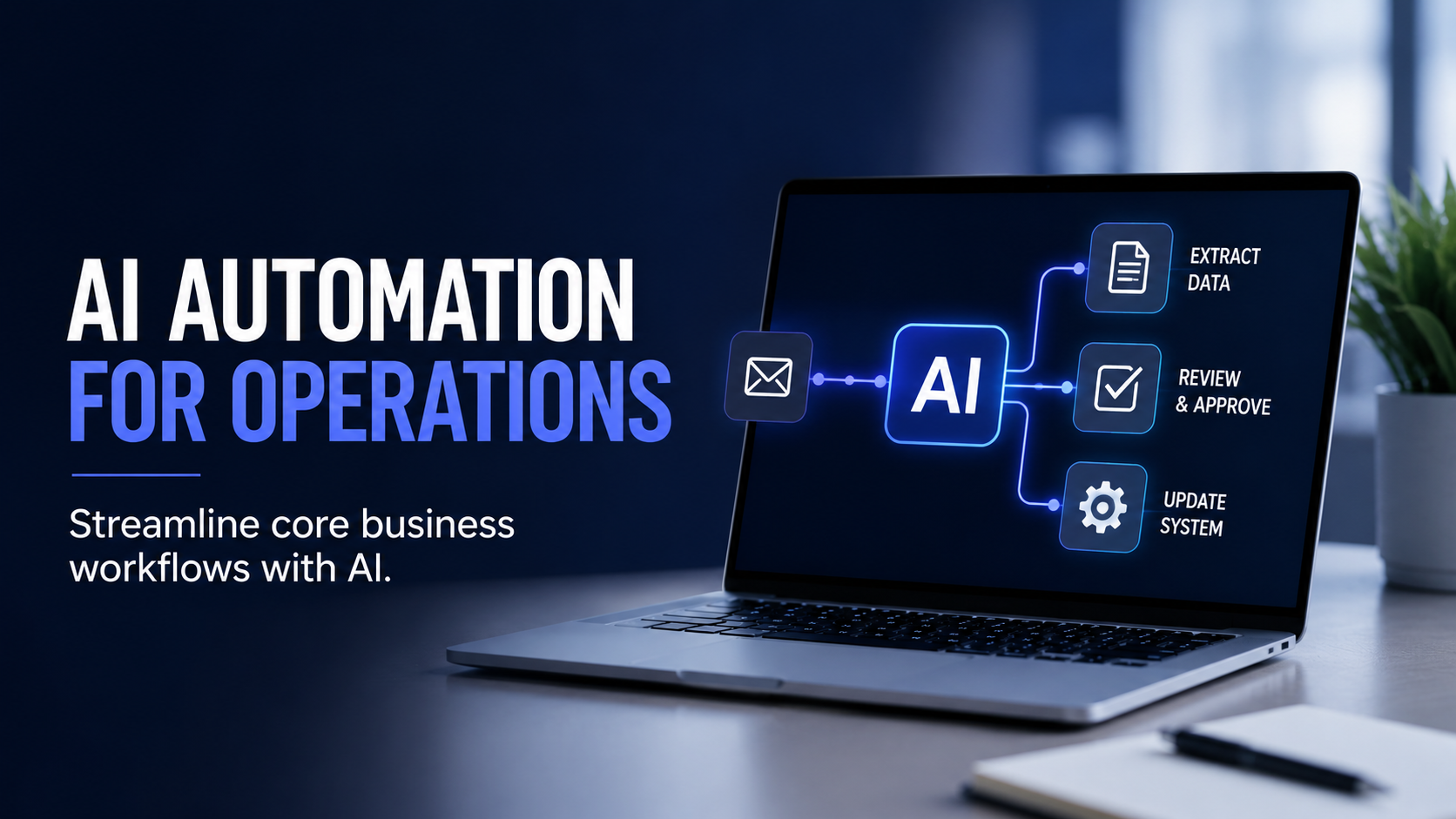
This article is part of our Workforce Automation content hub. For a broader overview of AI automation across business operations, see our Ultimate Guide to AI Automation in 2026. You may also find this useful: How to Streamline Core Business Workflows.
Ready to train your finance team on AI? Talk to Upscaile about hands-on AI training.





.png)
.png)
.png)
.png)
.png)
.png)
.png)
.png)
.png)
.png)
.png)
.png)
.png)
.png)
.png)
.png)
.png)