400,000+ business leaders (and teams at IBM, AWS & Zapier) start their day with The AI Report. 5 minutes. Plain English. No hype.
The Best AI Business Tools in 2026
The best AI business tools in 2026, organized by category. A practical guide for business owners & leaders covering productivity, marketing, research, & more.

The AI tool market has matured enough in 2026 that the question is no longer whether to use AI in your business. It is which tools to use, for what, and how to avoid building a stack that costs more than it saves.
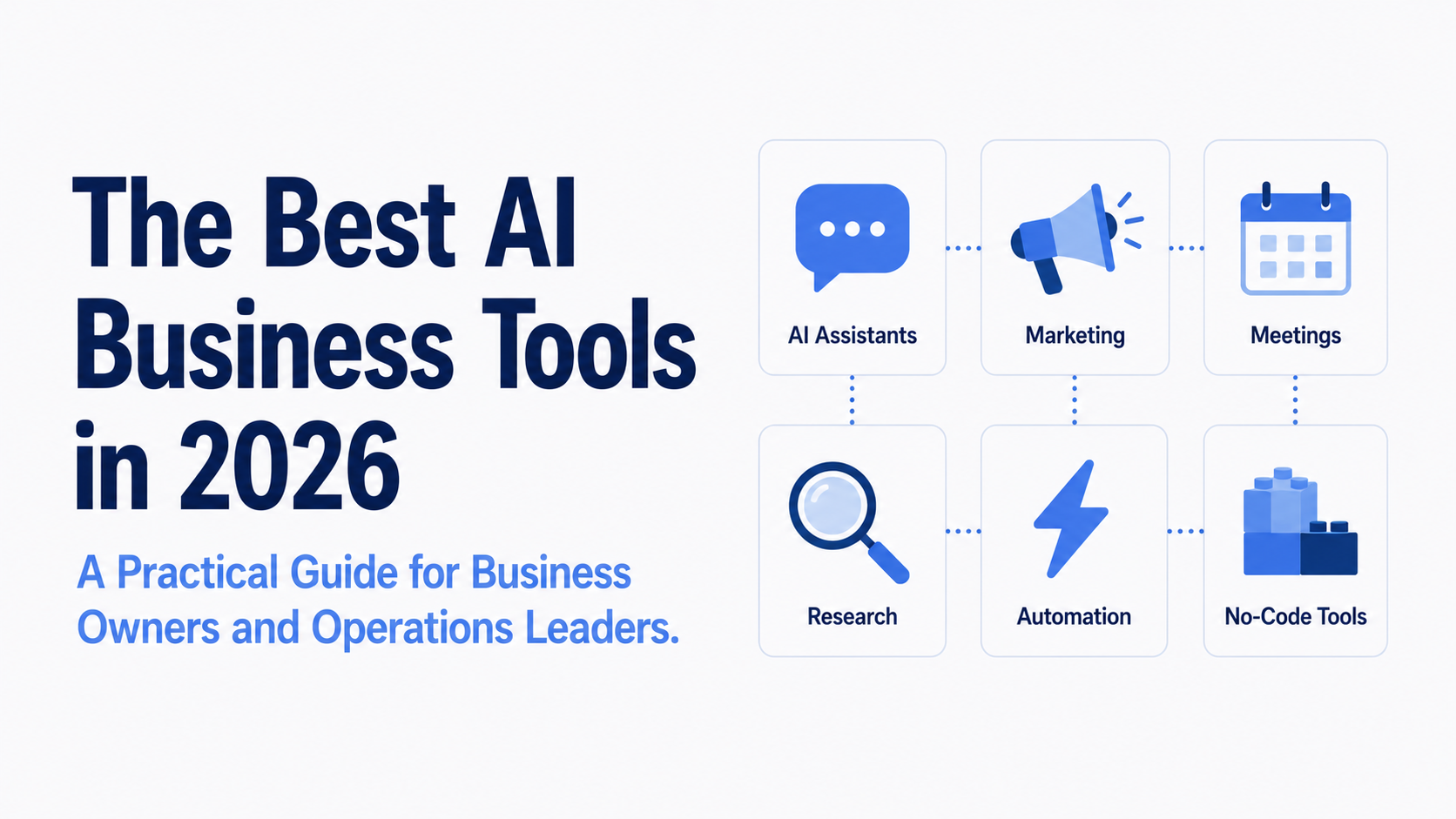
This guide covers the best AI business tools across the categories that matter most: general-purpose AI assistants, marketing and content, meetings and productivity, research, workflow automation, and no-code building. It is built for business owners and operations leaders who need practical recommendations, not a list of every tool that has ever been launched.
One framing worth establishing before diving in: the most effective AI stacks are not built by adopting as many tools as possible. Research from McKinsey suggests generative AI has the potential to automate up to 60 to 70 percent of time spent on tasks like data collection, document processing, and content creation. But teams that capture that value tend to do it by going deep on a small number of well-chosen tools rather than spreading thin across many. Start with the categories where your team's time is actually going, and choose accordingly.
For a full structured comparison across 5,500+ tools, explore The AI Report's AI Tool Index.
General-Purpose AI Assistants
The right starting point for most businesses is a general-purpose AI assistant: a conversational tool you can use for writing, research, summarizing, brainstorming, coding assistance, and dozens of other tasks in a single interface.
Three tools dominate this category in 2026: ChatGPT, Claude, and Gemini. All three cost $20 per month at the individual pro tier, which makes pricing a non-factor in choosing between them. The difference comes down to what each does best.
ChatGPT (made by OpenAI) remains the most widely adopted general-purpose AI tool in business. The latest GPT-5.6 series models are available to Plus subscribers and handle a wide range of tasks well, from processing messy data files to drafting strategy documents. Its ecosystem of integrations and plugins is the broadest of the three, making it the easiest to connect to other tools your business already uses.
Claude (made by Anthropic) has built a strong track record for writing quality, handling long documents, and coding assistance on complex projects. Its context window of 200,000 tokens means it can process several hundred pages of text in a single session, which makes it well-suited for reviewing contracts, summarizing lengthy reports, or working through detailed internal documents.
Gemini (made by Google) has native Google Search integration built into how it answers questions, giving it a structural advantage for anything requiring current information. It also sits directly inside Google Workspace, making it the most natural choice for teams whose work already lives in Gmail, Docs, Sheets, and Meet.
For a deeper comparison of these three tools, see our full breakdown: ChatGPT vs Claude vs Gemini: The Ultimate 2026 Comparison.
AI for Marketing and Content Creation
Marketing is the function where AI adoption has moved fastest. According to HubSpot's 2026 State of Marketing Report, 80% of marketers now use AI tools for content and media creation.
The tools in this category split into two types: general-purpose writing platforms that apply to marketing use cases, and specialized tools built specifically for marketing workflows.
Jasper is the most widely adopted dedicated AI writing platform for marketing teams. It stores brand voice, tone, and style guidelines and applies them consistently across campaigns, email sequences, ad copy, and blog content. It is built for teams producing content at volume who need consistency across multiple writers and formats.
Canva AI has become the standard entry point for AI-assisted visual creation. Its AI features are built directly into a design tool most marketers already use, covering everything from social graphics to presentation decks to simple campaign assets, with no design experience required.
Copy.ai is better suited for shorter, faster outputs: social captions, ad copy variations, and email subject line testing. For teams that need to produce and test multiple copy variants quickly, it fills a different role from the longer-form platforms.
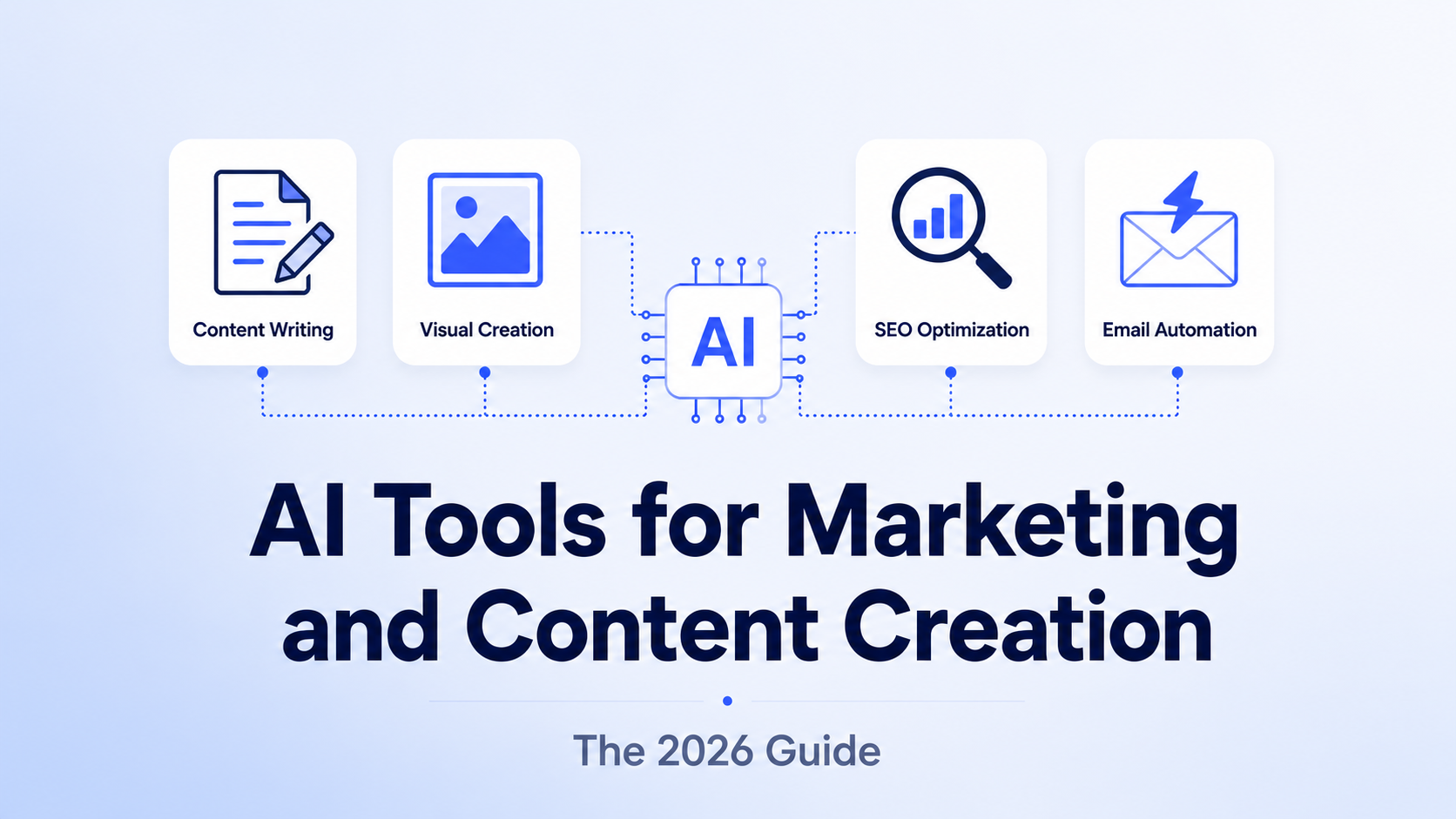
For a deeper breakdown of AI tools across the full marketing workflow, including SEO and email automation, see: AI Tools for Marketing and Content Creation.
AI Meeting Assistants and Transcription
One of the highest-return AI categories for most businesses is also one of the least glamorous: meeting documentation. Recording, transcribing, summarizing, and extracting action items from calls used to require either significant manual effort or a dedicated admin. AI meeting assistants handle all of it automatically.
Fireflies.ai integrates with Zoom, Google Meet, and Microsoft Teams to record, transcribe, and summarize calls. It can extract CRM action items, generate meeting summaries, and make the entire conversation searchable after the fact. Pricing starts with a free tier and moves to $10 per user per month on paid plans.
Otter.ai covers similar ground with strong live transcription during calls, making it particularly useful for teams that need real-time notes rather than post-call summaries. It also integrates with major video conferencing platforms.
Granola takes a lighter-weight approach, designed to sit alongside calls and help users take smarter notes rather than transcribing everything in full. It is a good option for individuals who want AI assistance without automating the entire meeting documentation process.
For teams running a high volume of external calls, the combination of any of these tools with an AI general-purpose assistant significantly reduces the time between a meeting happening and its outputs being acted on.
AI for Research and Information
Research is another category where AI tools have produced measurable time savings across business functions.
Perplexity operates as an AI search engine with source citations, pulling from live web results rather than relying on training data with a knowledge cutoff. It is the strongest option for any research task where current information matters: market intelligence, competitor analysis, news monitoring, or tracking regulatory changes. Its ability to surface and synthesize sources quickly has made it a standard research tool for business leaders and analysts.
NotebookLM (from Google) takes a different approach. Rather than searching the web, it lets users upload documents and ask questions of them directly. For businesses that need to analyze contracts, synthesize research reports, extract insights from internal documents, or work across a large collection of PDFs, NotebookLM is a strong option.
The two tools complement rather than replace each other: Perplexity for external, current information; NotebookLM for internal or proprietary documents.
AI Workflow Automation
Getting AI tools to work together, and connecting them to the software your business already runs, is where significant additional time savings tend to emerge. Research suggests that teams automating the connections between their applications typically save five to ten hours per person per week without adding headcount.
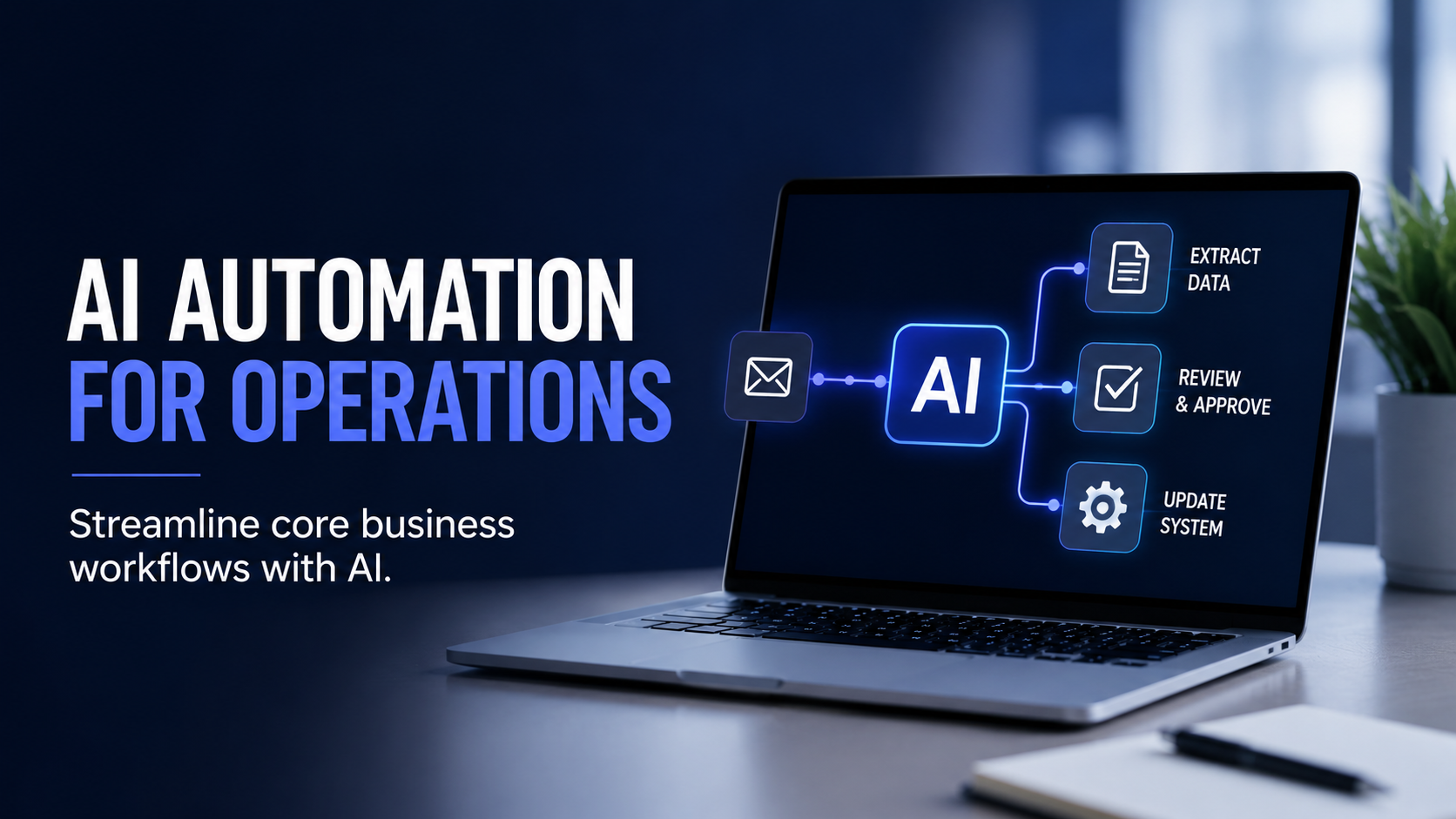
Zapier is the most widely adopted tool in this category. It connects more than 7,000 applications and lets non-technical users build automated workflows between them. In 2026, Zapier has expanded its AI-native features significantly, including the ability to use AI to suggest workflow logic, handle decision points within automations, and process unstructured inputs like emails or form responses.
Make (formerly Integromat) is a strong alternative for teams that need more complex, multi-step automations. It has a steeper learning curve than Zapier but offers more granular control over workflow logic.
For businesses operating inside Microsoft's ecosystem, Microsoft Copilot integrates AI capabilities directly into Office 365 tools including Outlook, Teams, Word, and Excel, making it the path of least resistance for organizations already standardized on Microsoft.
AI Productivity Tools
Beyond the major categories above, several AI tools address specific productivity challenges that come up repeatedly in business operations.
Notion AI adds AI capabilities to Notion's workspace and knowledge management platform. For teams that already use Notion to store processes, project notes, and documentation, the AI layer allows them to query that knowledge, generate summaries, and draft content in context.
Motion uses AI to manage scheduling and task prioritization. It automatically builds and adjusts daily schedules based on task deadlines, meeting commitments, and priorities, reducing the time spent on calendar management.
Grammarly has expanded beyond grammar checking to become an AI writing assistant embedded across email, documents, and communication tools, with features for tone adjustment, clarity improvement, and style consistency.
No-Code AI Builders
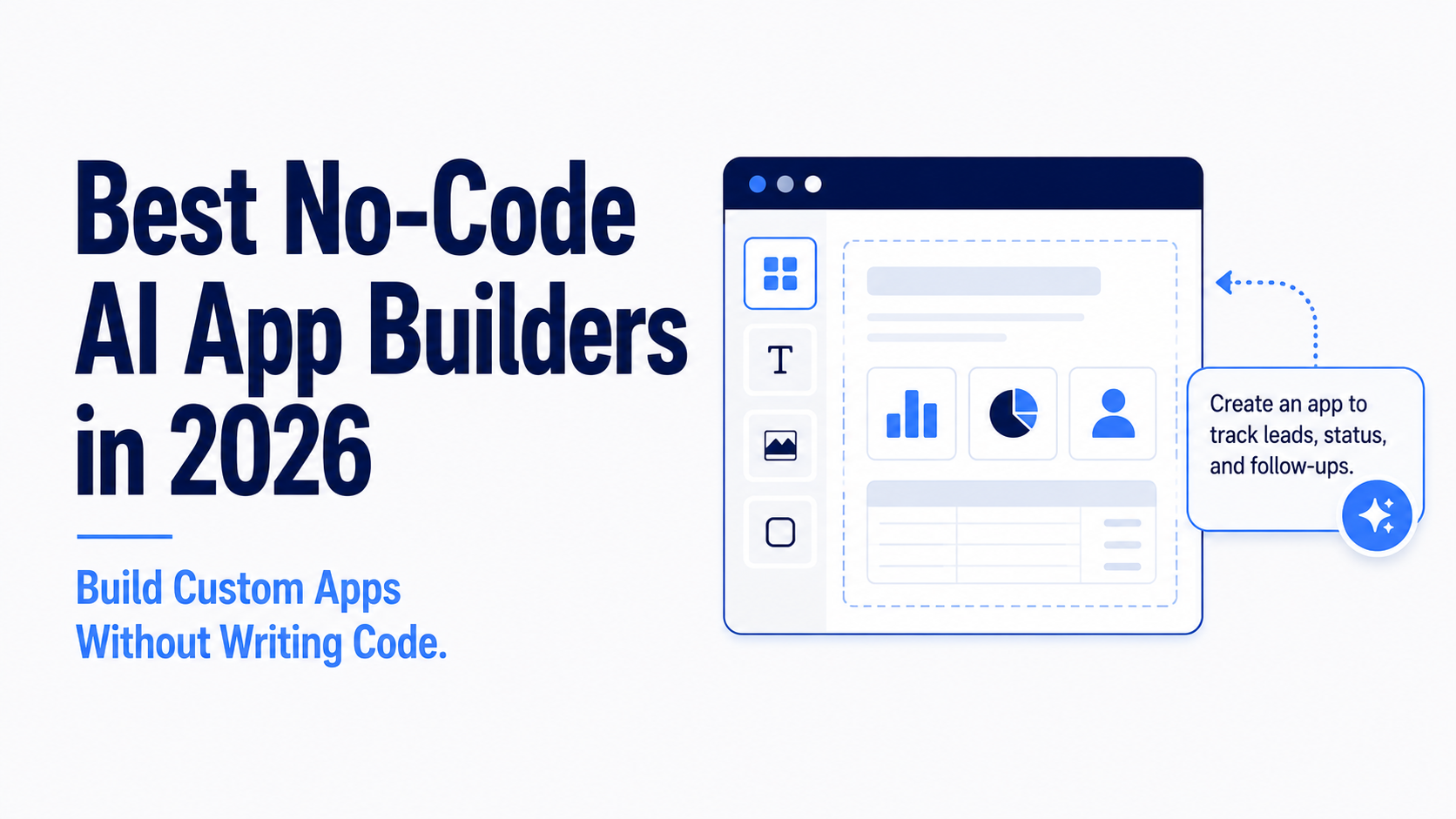
One of the most significant shifts in the AI tool landscape in 2026 is the emergence of no-code AI builders that allow non-technical business owners and operations leaders to create custom internal tools, employee portals, and customer-facing applications without writing code.
Lovable.dev is the most widely discussed tool in this category. Users describe an app idea in plain English and the tool generates a fully functional web application. It has been adopted by non-technical founders, operations leaders, and product managers who need custom software without the cost and timeline of a development team.
Zapier Interfaces allows teams to build custom internal dashboards and tools using the same Zapier logic they may already be using for automation, keeping everything within a single platform.
Replit is more technical than the others but allows even developers with limited experience to build and deploy software significantly faster than traditional methods.
For a deeper breakdown of the no-code AI builder category, see our full guide: Best No-Code AI Builders: Launching Apps Without Coding.
How to Think About Your AI Budget
For small and medium-sized businesses getting started, a common reference point is a core AI stack in the range of $50 to $100 per month. At that budget, a general-purpose AI assistant ($20/month), an AI meeting tool (free to $10/month), and a basic automation layer cover the majority of immediate productivity opportunities.
The tools that deliver the strongest return on investment share a few consistent traits: they integrate with software your team already uses, they do not require technical expertise to deploy, and they address a specific, high-frequency task rather than being general-purpose additions to an already crowded stack.
The worst outcomes tend to come from adopting too many tools at once and building habits around none of them. One well-chosen tool that your team actually uses every day is worth more than ten that get abandoned after the first week.
Building Your AI Stack
The AI Report's AI Tool Index gives you structured comparisons across 5,500+ tools, organized by category, pricing, and use case, so you can evaluate options against each other rather than researching each one in isolation.
If you are ready to put your stack together, the AI Report's Stack Builder is designed to help you compare tools, identify the right combination for your specific needs, and build a setup that fits how your team actually works.
Several of the tools featured in this guide are available at a discount through The AI Report's AI Executives Pass, including Make, Notion, and more. The Pass bundles partner tool access, done-for-you content, and executive training for $199 a year.
This is the pillar page for our AI Tool Reviews and Tutorials content series. Explore these articles below for deeper dives into specific categories:
- ChatGPT vs Claude vs Gemini: The Ultimate 2026 Comparison
- AI Tools for Marketing and Content Creation
- Best No-Code App Builders in 2026






.png)
.png)
.png)
.png)
.png)
.png)
.png)
.png)
.png)
.png)
.png)
.png)
.png)
.png)
.png)
.png)
.png)