400,000+ business leaders (and teams at IBM, AWS & Zapier) start their day with The AI Report. 5 minutes. Plain English. No hype.
Best AI Meeting Note Takers in 2026
The best AI meeting note takers for 2026. Comparing Fireflies.ai, Granola, and Attio for business teams that want automatic transcription and summaries.
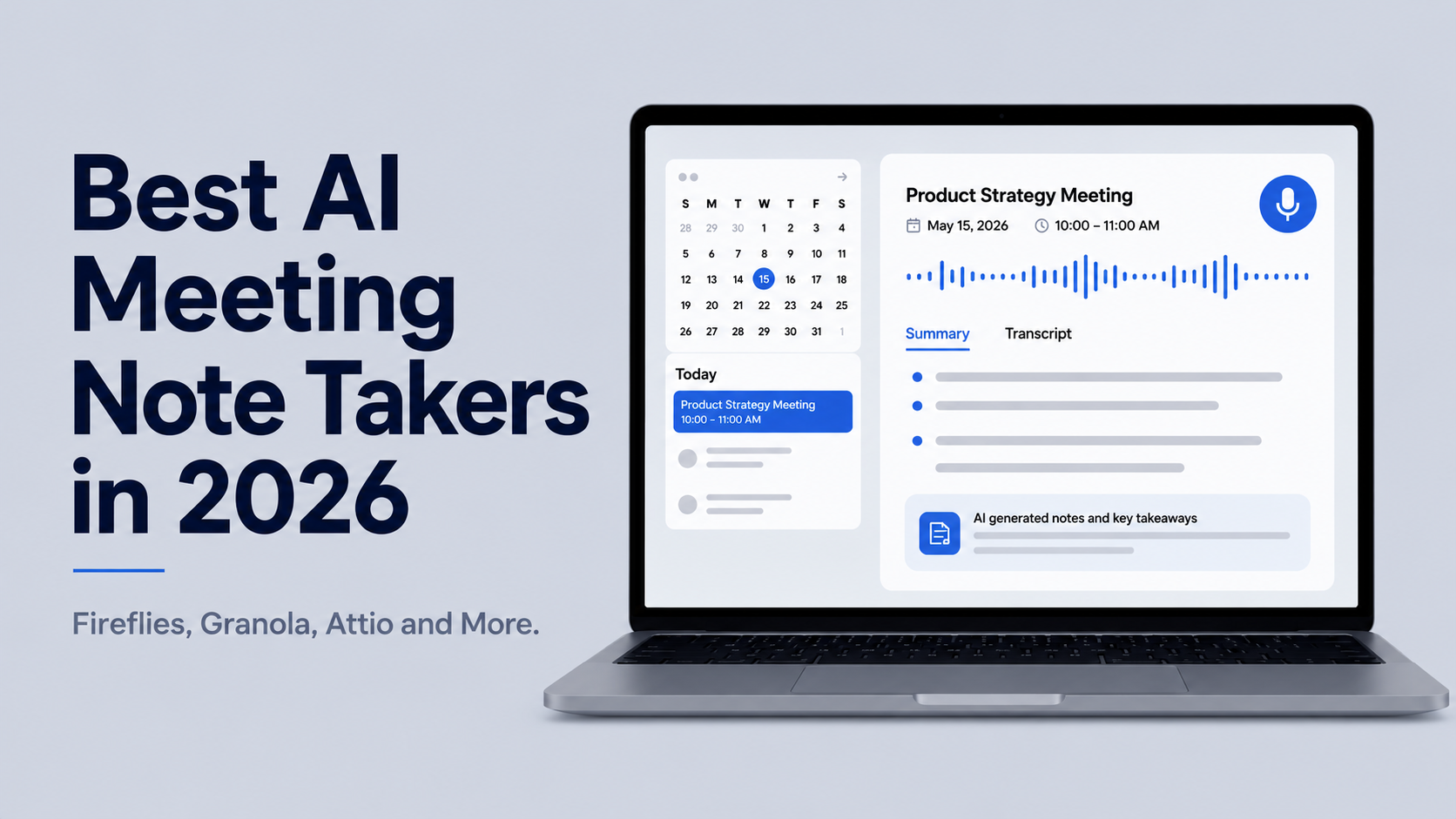

Every meeting generates decisions, action items, and context that someone needs to remember. Most of that information disappears into vague notes or fades entirely by the following morning. AI meeting tools can solve this by automatically recording, transcribing, summarizing, and pulling action items from your calls without anyone on the team having to take notes manually.
This space has grown quickly, and the landscape has also shifted in 2026. AI notetaking is now built into every paid plan on Zoom, Google Workspace, and Microsoft Teams. If your team already uses one of those platforms exclusively, the built-in tool is a reasonable starting point at no extra cost.
Where standalone AI meeting note takers pull ahead is in the gaps those built-ins do not cover: cross-platform consistency, CRM integration, bot-free recording, and deeper action item workflows. This guide primarily covers Fireflies.ai, Granola, and Attio, what each does well, where it falls short, and who it is actually built for, with a few other tools to compare at the end.
Fireflies.ai
Fireflies is the strongest option for teams that need their meeting notes to connect directly to business systems. Its Fred bot joins supported meetings, records audio and video, produces a searchable transcript, and can automatically log notes, action items, and deal context to Salesforce, HubSpot, and other CRMs.
That integration depth is what makes it stand out. Revenue teams that need meeting summaries attached to deal records, coaching tools built on call recordings, and automated follow-up tasks connecting to project management platforms will get more out of Fireflies than any other tool in this field.
For individuals who just want clean notes from their calls, Fireflies is more than most people need. But for a sales organization or a customer success team managing a high volume of calls with CRM-dependent workflows, it is the strongest candidate here.
Pricing starts with a free tier that includes 800 minutes of storage. The Pro plan runs $10 per user per month billed annually, Business is $19 per user per month, and Enterprise starts at $39 per user per month.
Granola
Rather than sending a bot into your meeting, Granola runs quietly in the background and captures audio from your device. You take rough notes during the call as you normally would, and Granola combines those notes with the full transcript to produce structured, readable notes after the call.
The result tends to feel more natural than AI-only summaries because your own notes anchor the structure. Granola knows what you paid attention to and shapes the summary around that rather than treating every minute of the meeting as equally important.
Two features set Granola apart from the other tools. The first is templates. You can choose a format for different meeting types, whether a 1:1, a sales call, a project kickoff, or a pipeline review, and Granola will focus the notes on exactly what matters most for that meeting type. Templates can be custom-built and shared across a team, and you can apply a different template after the fact if your needs change: Granola regenerates the notes in the newly selected format.
The second is Recipes, which are reusable prompts for acting on your notes after the meeting. Typing a forward slash in Granola Chat opens the Recipes menu, where you can run things like generating a follow-up email or extracting a clean action item list. The distinction is simple: templates control what the notes look like, and Recipes are prompts for doing something with them afterward.
It now works on both Windows and Mac. The free plan covers unlimited meetings with thirty days of note access. Business pricing starts at $14 per user per month, and Enterprise from $35 per user per month.
The main limitation is integrations. Granola is strong on the notes themselves but lighter on CRM connections and team analytics compared to Fireflies. For solo users and small teams where the meeting note is the end product, that trade-off is usually fine.
Attio
Attio takes a different approach to meeting notes entirely. Rather than being a tool that integrates with your CRM, it is a CRM with meeting intelligence built directly into it. The call recorder joins your Zoom, Google Meet, or Teams meetings, transcribes the conversation, and syncs the notes straight to the relevant contact, company, and deal records in Attio, without any manual data transfer.
With most other notetakers, capturing a meeting and getting the notes into your CRM requires at least one extra step, even with integrations. With Attio, the meeting record, transcript, and AI-generated summary are already where your contact data lives by the time the call ends.
Attio also supports custom AI insight templates, which let teams define exactly what the AI should pull from a call. A sales team can build a template that automatically extracts deal qualification criteria, objections raised, and agreed next steps from every call transcript and adds them to the deal record.
Call recording is available on Pro and Enterprise plans. Pro is $69 per user per month billed annually, which reflects that Attio is a full CRM rather than a standalone meeting tool. For teams already using Attio or open to switching to it, the built-in call intelligence is a good reason to keep everything in one place rather than juggling separate tools.
Other Tools Worth Knowing
Fathom has the strongest free plan in the category, offering unlimited free recording and transcription. For teams running occasional calls who do not need deep integrations, it is recommended before committing to a paid tool.
Notion AI Meeting Notes makes sense if your team already runs its documentation in Notion. Rather than adding a separate tool, meeting notes land directly in your Notion workspace where they can be linked to project pages, docs, and team spaces. In March 2026, Notion added custom instructions for summaries, letting you define the format that works for your team. It is best treated as a convenient add-on for existing Notion users rather than a primary meeting tool.
Wispr Notetaker launched in August 2026 and is one of the newest in the space. Like Granola, it is bot-free and captures audio from your device without joining as a visible participant. What sets it apart is how it uses context before and during calls: it draws on your Wispr Flow personal dictionary (custom terms, product names, acronyms you have already trained in) to improve transcription accuracy, pulls from your calendar and connected apps to prepare pre-meeting briefings, and lets you search across your full meeting history afterward. Currently Mac-only, with Windows support planned.
Microsoft Copilot, Zoom AI Companion, and Gemini in Google Workspace are the platform-native options to check first if your team is standardized on one platform. Copilot runs $30 per user per month, Zoom AI Companion is included with paid Zoom plans, and Gemini is included with paid Google Workspace plans. Any of these three are good to try if your team runs most of its calls on a single platform.
How Do You Know What Is Right for You?
The right choice comes down to two questions: how your meeting audio needs to be captured, and what needs to happen to the notes after the call ends.
For teams managing an active CRM and wanting meeting notes to feed directly into their records, Attio is the strongest option if you are open to adopting or switching to it as your CRM. If you are already committed to a different CRM like Salesforce or HubSpot, Fireflies is the best dedicated notetaker for that workflow. For individuals and small teams that want high-quality personal notes without a bot in their meetings, Granola is the standout option in 2026.
If your team already runs all its calls on a single platform and does not need notes flowing across multiple tools, the built-in AI notetaker may be all you need.
It goes without saying that this space is moving fast. Tools like Wispr, Notion, and others are adding new features regularly, so revisiting your setup every few months makes sense as the options keep improving.
For a full comparison of AI meeting tools and pricing across the category, explore The AI Report's AI Tool Index.
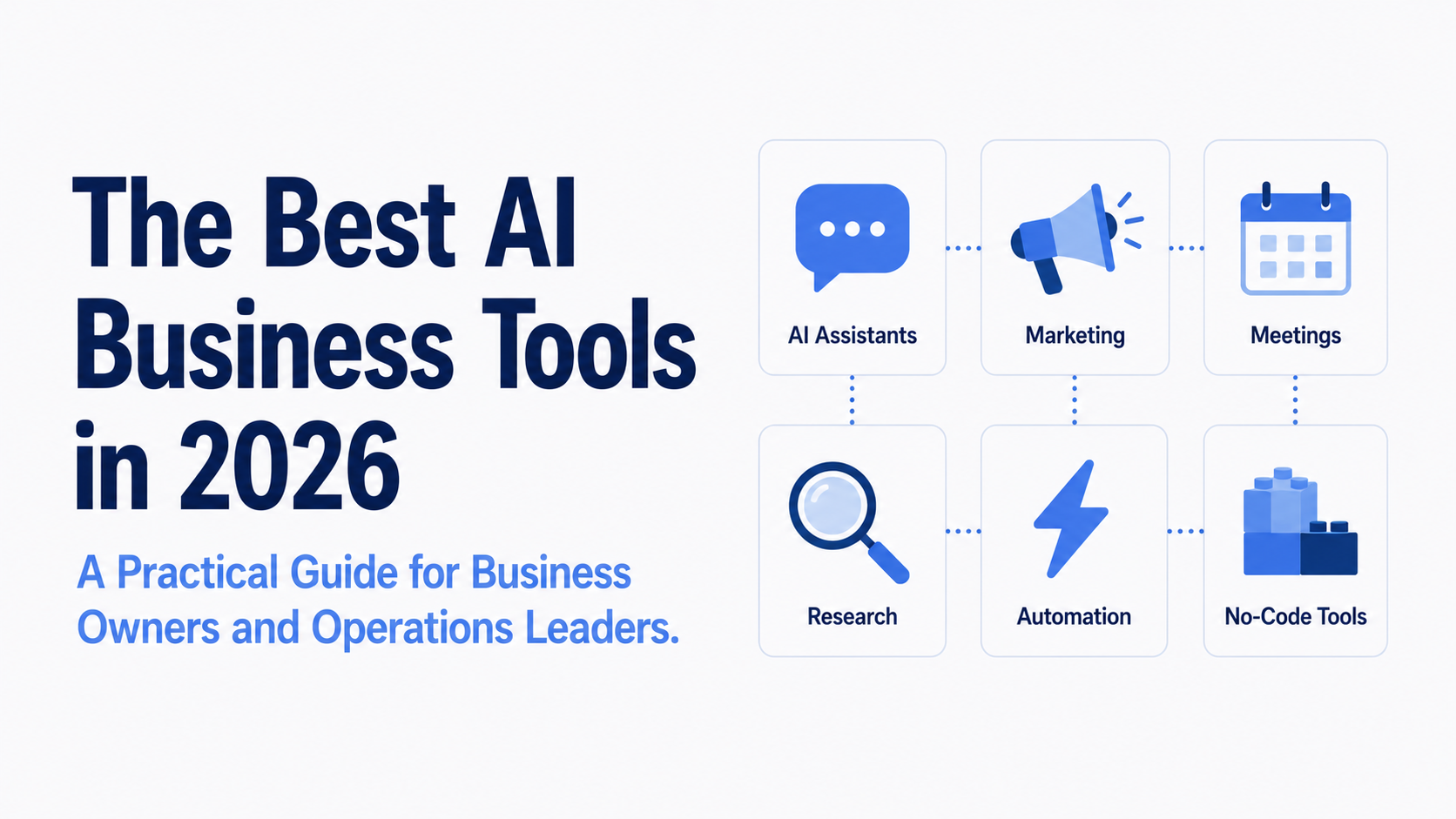
This article is part of our AI Tool Reviews and Tutorials content hub. You may also find these useful: The Best AI Business Tools in 2026, Lovable AI Review: Hype or Legit?, and Best No-Code AI App Builders in 2026












.png)
.png)
.png)
.png)
.png)
.png)
.png)
.png)
.png)
.png)
.png)
.png)
.png)
.png)
.png)
.png)
.png)